- Subject
- Microsoft 365 & SharePoint
- Filed
- Source
- Office-Watch.com
- Loans
- 680
Microsoft 365 OneDrive Cut: Could Early Renewal Preserve 6 TB?
Microsoft hasn’t said whether adding prepaid years delays the OneDrive cut. Check household usage and get written guidance before extending.
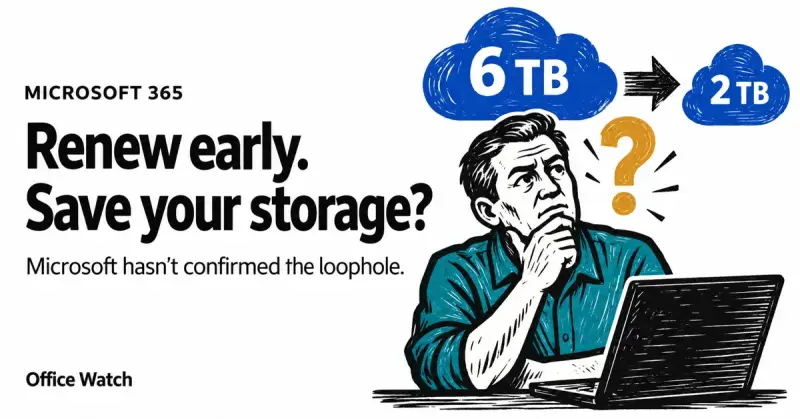
Microsoft 365 Family and Premium subscribers may be able to keep their current OneDrive storage for longer by extending their plans early, but Microsoft hasn’t confirmed how it will treat that extra prepaid time. For households using more than 2 TB, the uncertainty matters: an extension could preserve the current allowance, or the new limit could apply as soon as the plan is extended.
The change is scheduled to affect existing subscribers at their first renewal after May 2, 2027. Microsoft’s current wording leaves unclear whether adding time to a subscription counts as a renewal for this purpose. That means paying ahead could turn into a useful way to defer the change—or simply bring it forward.
What the storage change means
Microsoft is reducing the shared OneDrive allowance for Microsoft 365 Family and Premium from 6 TB to 2 TB. The current Family or Premium allowance is described as 1 TB per person. For an existing subscriber, the new limit is due to take effect at the next renewal after May 2, 2027.
Consider a Family subscription that expires in June 2027. Under the stated timing, the new storage rules would apply at that renewal. The plan owner could instead add up to four years, extending the expiry date to June 2031. The unanswered question is whether Microsoft would treat that purchase as an immediate renewal, applying the 2 TB limit then, or let the existing allowance continue until the prepaid term ends.
Microsoft hasn’t clarified which interpretation it will use. Advice from other customers can’t settle the issue, so subscribers should treat the outcome as uncertain until Microsoft provides a clear answer.
Two possible outcomes for prepaid time
Extra time triggers the change. Microsoft could count each added year of service as a renewal. In that case, extending a plan before May 2, 2027, could cause the shared allowance of up to 2 TB to apply immediately.
Extra time delays the change. Microsoft could treat the extension as added time on the existing subscription rather than a renewal. Under that interpretation, a Family or Premium plan could retain its current 1 TB per person allowance until the prepaid service runs out.
Neither outcome is confirmed. The difference is substantial for a household whose files exceed 2 TB: an early purchase might extend the period with the current allowance, or it might trigger the reduction earlier than expected.
Check usage before paying ahead
Start by adding up OneDrive usage across the household’s accounts. Microsoft doesn’t provide one dashboard that totals everyone’s storage, so the owner may need to check each account separately. The OneDrive usage guide covers that process.
If the household uses well under 2 TB combined, extending a subscription to preserve extra storage is unlikely to be worthwhile. If usage is above the new limit and the household plans to keep Microsoft 365, a discounted product key may still make financial sense as a purchase of service time the family expects to use. The source gives the usual Family price as $129.99 for 12 months and says discounted keys can be found for less, but the possible storage benefit remains a gamble.
Before buying, contact Microsoft through the Help link at account.microsoft.com. Ask whether redeeming a key or adding prepaid time counts as a renewal for the storage change, and whether the 2 TB limit would apply immediately or at the end of the current term. Keep the answer in writing and save a screenshot of the subscription page showing its expiry date. Microsoft could change its policy, particularly if many subscribers try this approach.
Plan for the limit, not the loophole
Subscribers who exceed 2 TB should plan for the possibility that the reduced allowance takes effect before their current prepaid time runs out. Microsoft says that if a household exceeds its limit, members can still open their files for up to one year while they address storage. That provides time to sort files, reduce usage or decide what storage arrangement to use; it doesn’t guarantee that the current allowance will continue.
OneDrive space can also be affected by other Microsoft 365 changes. Copilot files now count against the storage quota, according to the information provided about the change. Households close to the 2 TB threshold should account for that usage alongside files stored in each family member’s account.
For now, early renewal is a possible bet, not a confirmed way to keep 6 TB. Measure household usage first, ask Microsoft how it will classify added service time, and make the purchase only if the prepaid subscription still makes sense under either outcome.


